Guided tour
See how it works, one step at a time
The real app, on a real book. Watch it play, or click along yourself, and jump to any part.
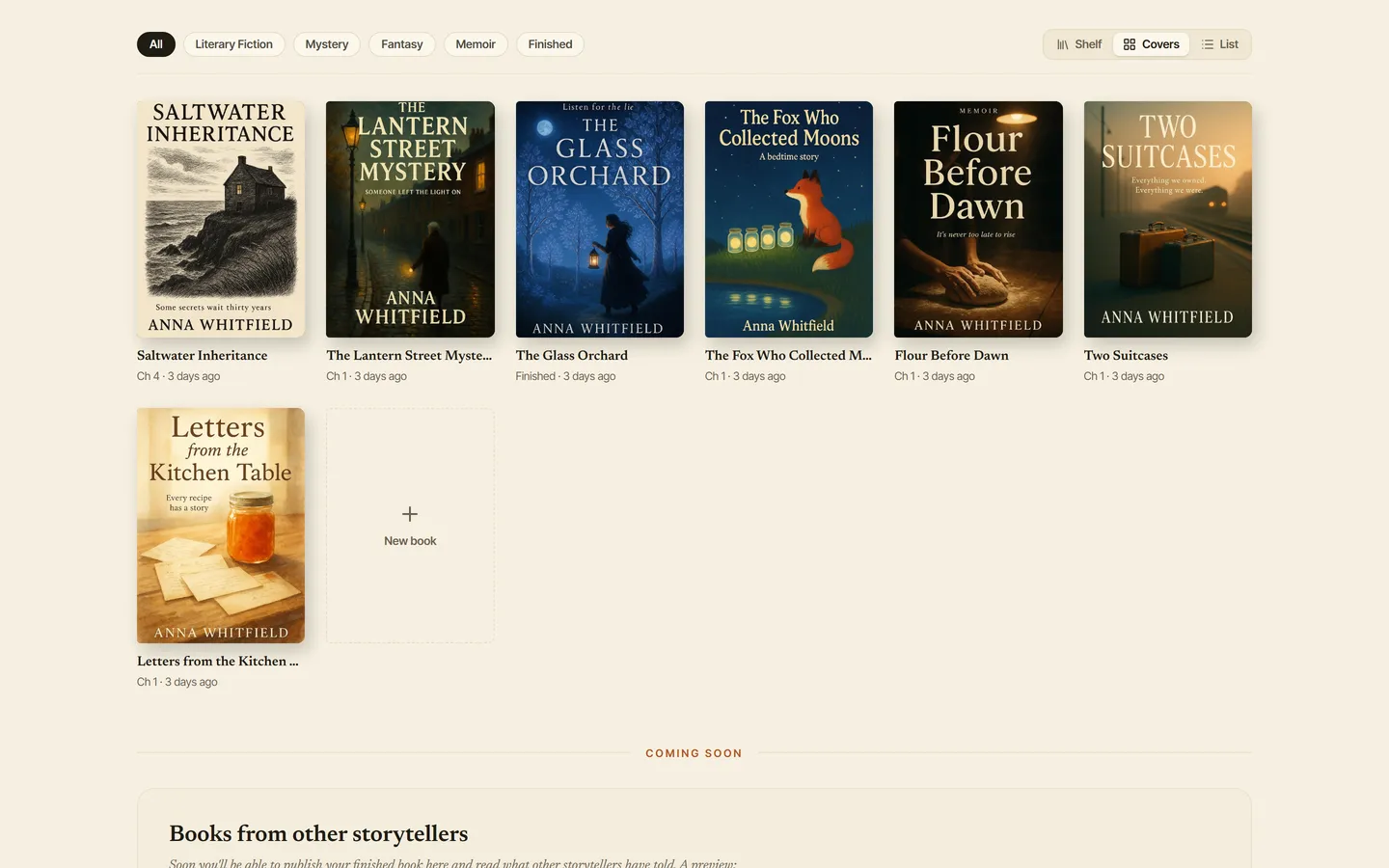
Your shelf
This is your shelf. Every book you're writing lives here. To start one, press New book and give it a title; nothing else is required. Let's open a book that's already under way.
Everything the tour says
The words of the tour, chapter by chapter, for reading at your own pace.
Your shelf
This is your shelf. Every book you're writing lives here. To start one, press New book and give it a title; nothing else is required. Let's open a book that's already under way.
Talk
Every chapter begins as a conversation. In Listening mode, you simply tell Charm your story, the way you'd tell a friend. Charm listens, and asks what a good editor would ask.
You can type, or press the microphone and speak. Or open Talk to Charm and leave the keyboard alone. Charm answers out loud, you can interrupt it, and you run the whole session by voice. Say "write it up", and the scene goes into your chapter.
The story grows
Here, the writer tells Chapter Four. Nell can't sleep, so she goes down to the kitchen and opens her grandmother's letter. Charm asks what the letter should leave unsaid, and flags a surname that disagrees with the Story Bible.
Into prose
When the scene is clear, switch to Writing mode. Charm turns the conversation into prose, in your voice, and you watch it arrive.
Keep what you like with Save to Chapter. It lands in your chapter draft, set like a page of a book, and it's yours to change.
The book remembers
Press Analyze whenever you like. Charm reads everything you talked about and files it away: who appeared, what happened, what's still open. When the session is done, press Complete.
That's how your Story Bible fills itself: every character, place and thread, kept for you. Open a character to see their portrait, their relationships, and what Charm remembers about them.
You can even talk to them. Ask Nell why she hasn't opened the letter, and she answers in her own voice, from what the book knows. Nothing she says changes your book unless you choose to keep it.
Story Map
The Story Map shows the whole book at once. The Web is your cast. Pick someone, and their ties and their story open beside the map. The thicker the line, the stronger the tie.
Smart Editor
For the fine work, open the Smart Editor. Select a passage and ask for what you want: improve it, expand it, change its tone. Every change is shown word by word, and you accept it or not.
Want a picture? Charm reads the scene and writes a description you can edit, with the price shown before anything is painted. The illustration sits right in your chapter.
Finish the chapter
When a chapter is done, press Finish Chapter. Charm reads it like an editor: a scored review, and numbered notes beside the text, each one saying why it matters to a reader.
Fix them one at a time, each change shown before it's made. A last Proofread, and the chapter is complete.
Then Charm Remembers. It offers the hard facts this chapter settled, each with the sentence that settled it. Keep them with one press, and chapter twenty will still know what chapter one decided.
The whole book
When the whole book is ready, Finish Book reviews it end to end: the pacing across chapters, the threads still open, how the ending lands.
And whenever you like, open it as a book: your cover, your chapters as real pages, your pictures. You talk. CharmWriter writes. Start your book today.